What is Tandem?
A planning tool for customer success managers.
Tandem is something I've been using in my role as a Customer Success Manager. I wanted to open it up in case it's useful to others doing similar work. It's free, and I plan to keep it that way.
Six things that make Tandem different from a generic project tool:
Plan-as-artifact
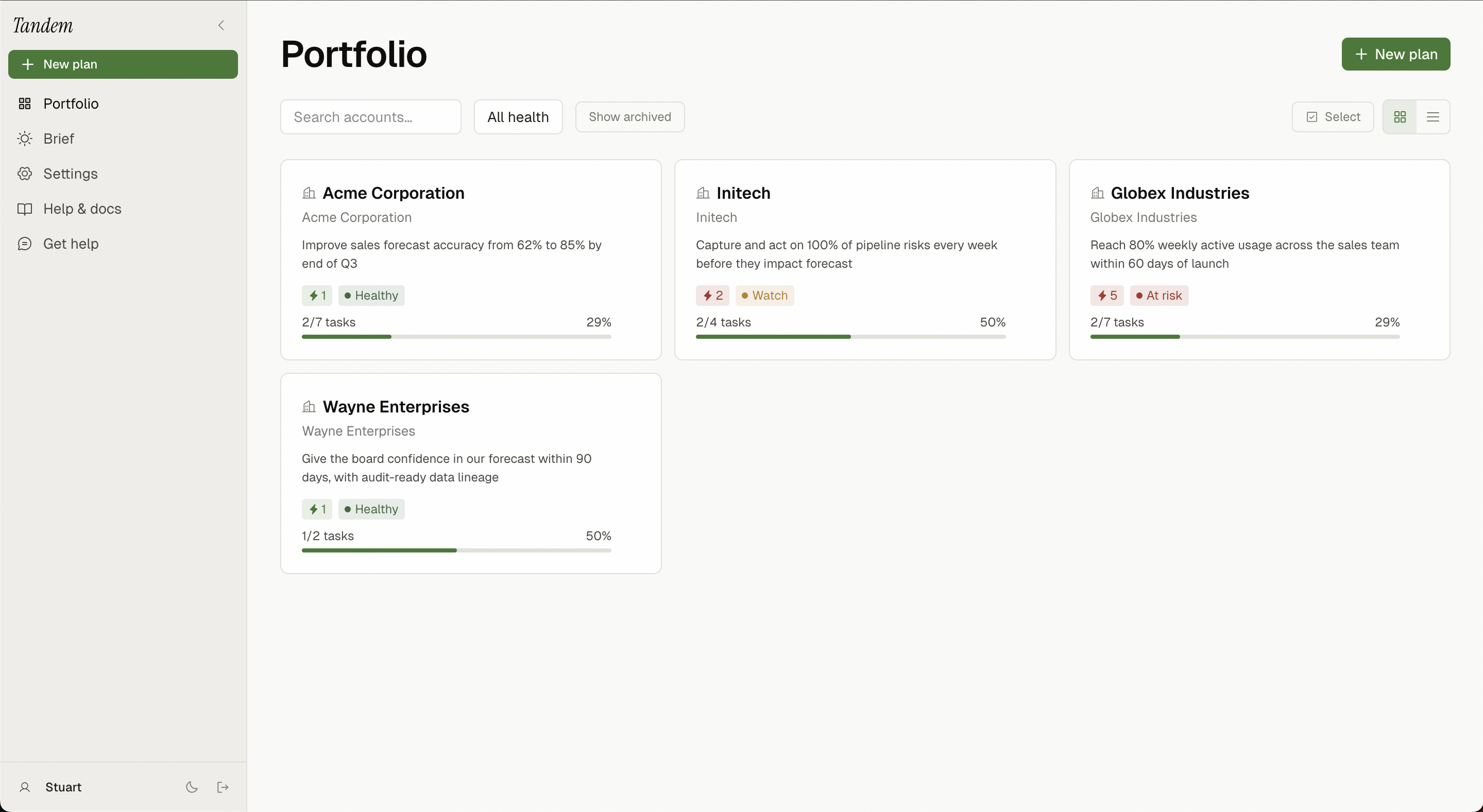
Every customer engagement is a plan. Phases, milestones, tasks — all in one place, all updatable, all shareable. No more reconstructing context across email threads, CRM notes, and spreadsheets.
Two layers, one source of truth
What you see as a CSM and what your customer sees are different views of the same plan. Internal-only tasks stay internal; the customer sees the work that involves them.

Outcomes before tasks
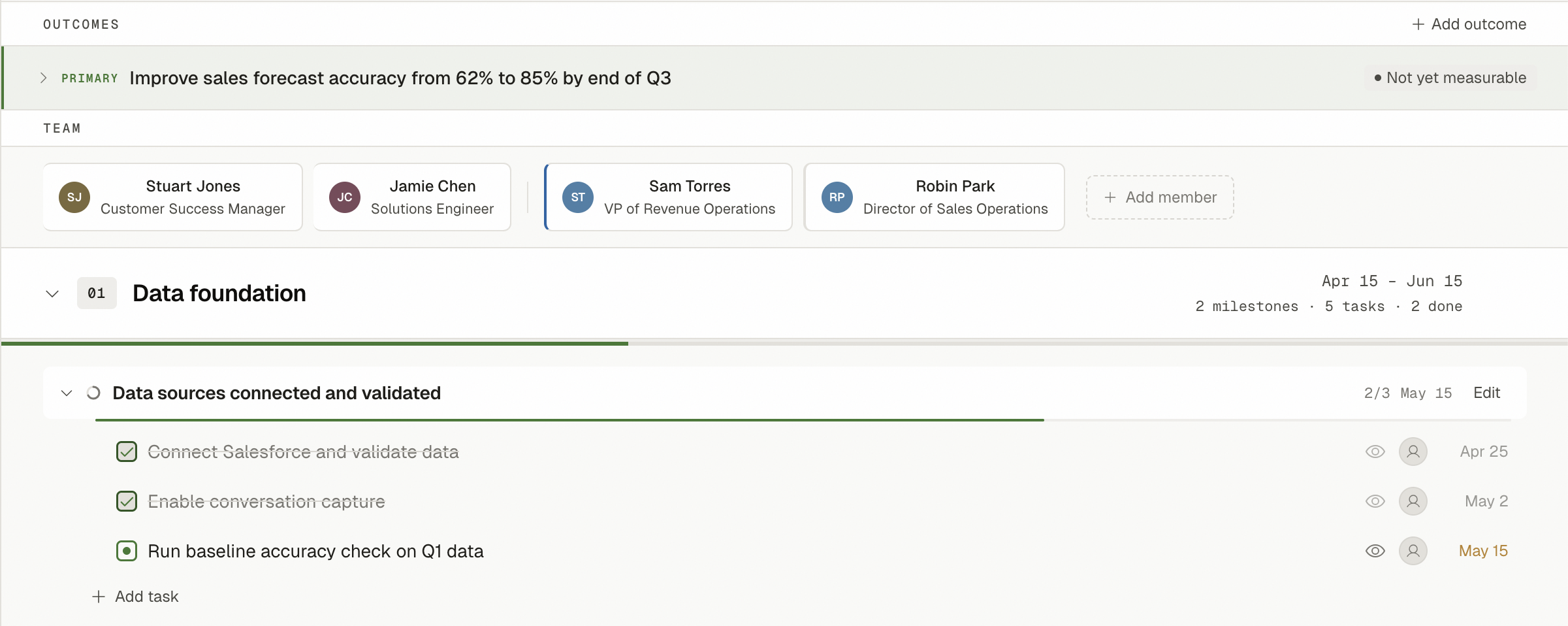
Plans start with what success looks like. Tasks exist to serve outcomes, not the other way around. When the outcome shifts, the plan adapts.
Signals, not scores
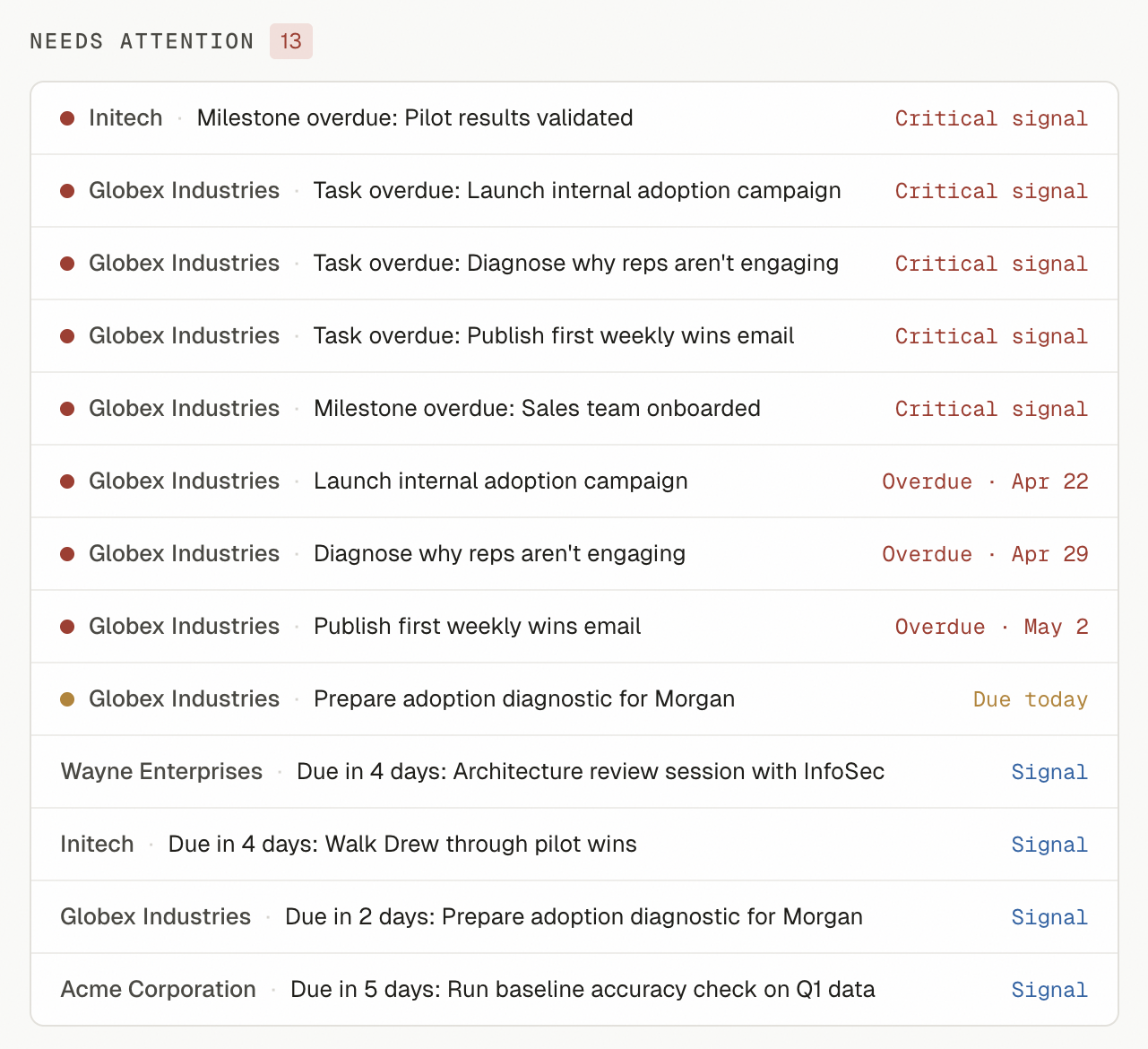
Tandem surfaces specific things needing attention — overdue tasks, milestones at risk, accounts gone quiet — instead of reducing every account to a single 0-100 health score.
Connected to your work
HubSpot integration to sync companies and log task completions. AI features that understand your specific plan context.

Use it from Claude.ai
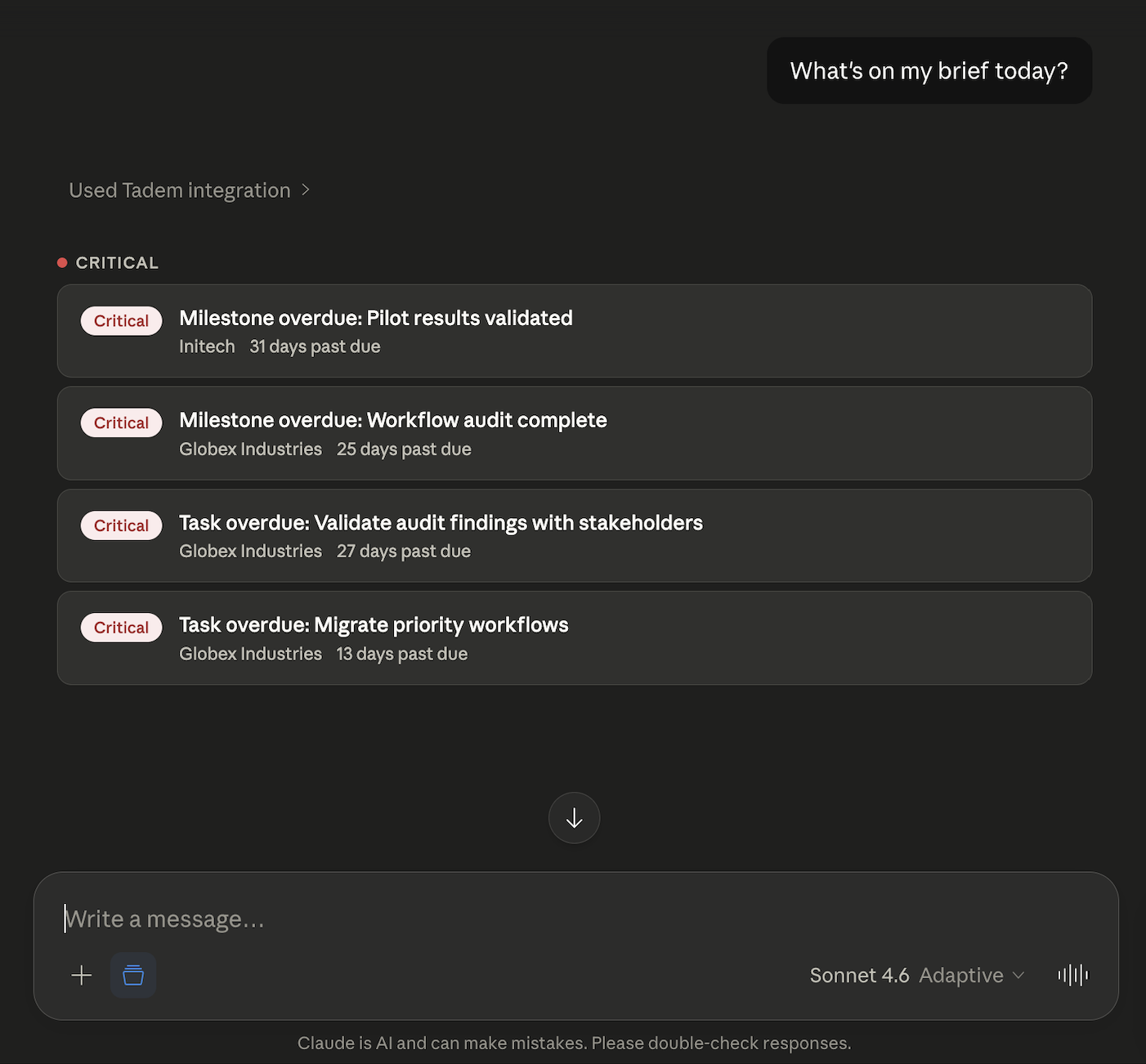
Tandem connects to Claude.ai as an MCP server. Ask Claude to update your plans, log progress, draft reviews, or check signals — directly from any Claude conversation.
Why?
I built Tandem because the existing options didn't fit how I actually do customer success work. They're either too heavyweight (admin-configured, scoring-obsessed) or too lightweight (generic project tools that don't understand the CS context). Tandem sits in between: structured enough to be useful, light enough to actually use.
Want to know more?
The full documentation covers everything — getting started, integrations, AI features, and more.
Read the docs →Free to sign up. Free to keep using. Sign up →